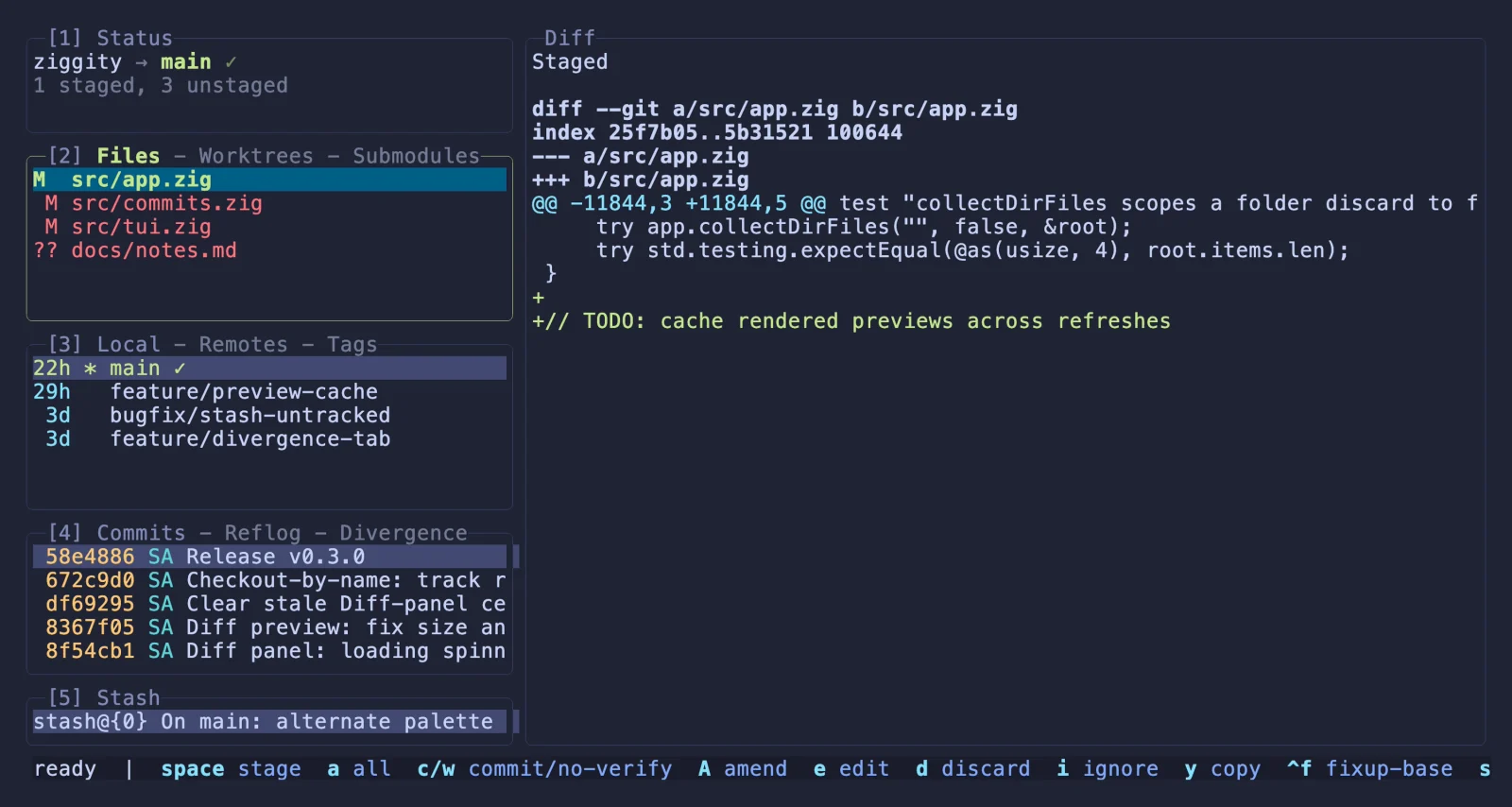
One terminal window
Stage individual lines, commit, branch, stash, diff, rebase, inspect history, and resolve conflicts without dropping back to raw Git.
 ziggity
ziggity --why
A fast terminal UI for Git, written in Zig.
Keep your whole Git workflow in one responsive terminal window: stage lines, commit, branch, rebase, inspect history, and review live diffs without waiting on slow operations.
brew install simoarpe/ziggity/ziggitywhat it is
Ziggity is not a libgit2 wrapper and not a lazygit port. It is a small native app that talks to your existing git executable, parses machine-readable output, and keeps rendering separate from slow subprocesses.
Stage individual lines, commit, branch, stash, diff, rebase, inspect history, and resolve conflicts without dropping back to raw Git.
Fetch, pull, push, merge, rebase, autosquash, and bisect run in the background while navigation and previews remain responsive.
Every action is reachable from the keyboard, while clicks, wheel scrolling, drag selection, and clean clipboard copy work throughout the TUI.
| Metric | ziggity | lazygit |
|---|---|---|
| Binary size | 1.8 MB | 17.6 MB |
| Startup | 3.7 ms | 19.9 ms |
| Git subprocesses to load repo | 21 | 24 |
| Network during load | none | fetch all |
| Resident memory once settled | 10 MB | 37 MB |
| Own CPU over 10 s | 40 ms | 230 ms |
fast by construction
Ziggity opens the repository from local Git data, paints quickly, then schedules background fetches quietly. The interface stays interactive while Git does the heavier work.
Read the measurement noteswhy star it
The project is already useful if you live in Git all day. Stars help more developers find it; sponsorship keeps the maintenance loop healthy as Zig and Git keep moving.
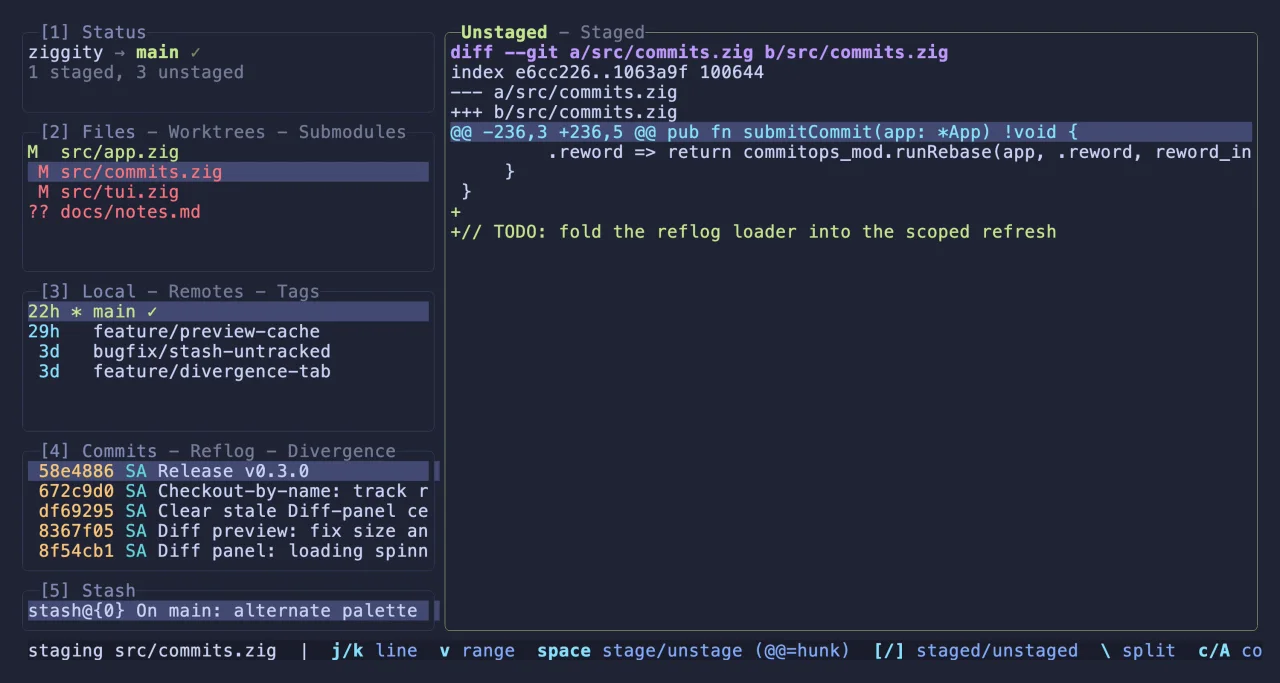
Open a file, stage or unstage single lines and hunks, discard at the same granularity, and keep both staged and unstaged sides visible when the split helps.
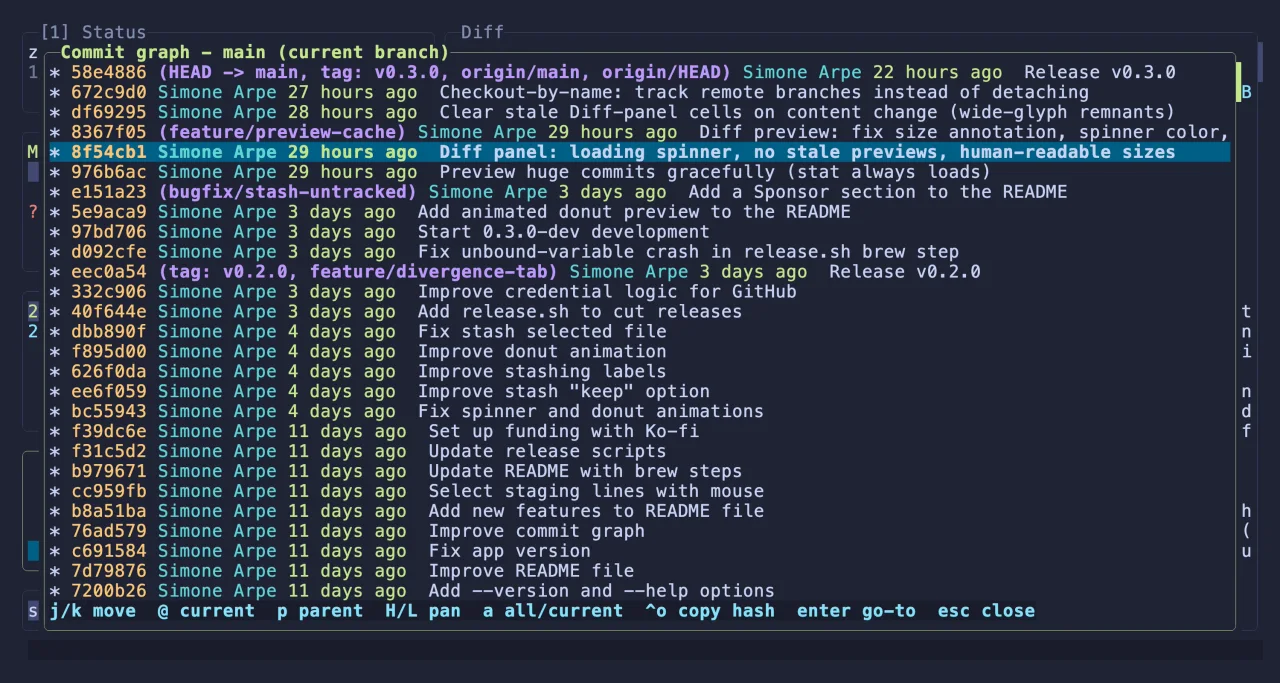
Preview commits, open their changed files, walk the real git log graph, compose an interactive rebase plan, and run it as one deliberate operation.
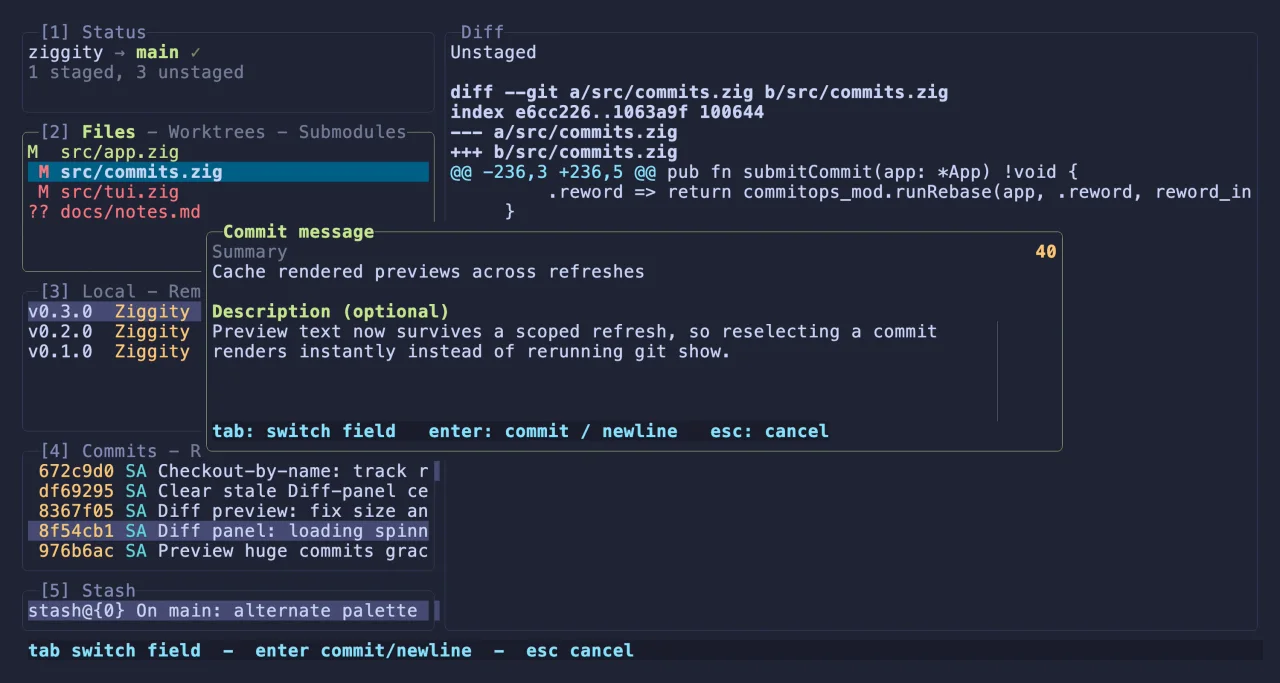
Write a subject and body in place, see the summary count turn before it gets noisy, and let prepare-commit-msg prefill the editor like real Git does.
Press ctrl+g and ziggity drafts a subject in your recent style plus a body that explains the change, honoring the same 50 and 72 column guides. It ships no model and calls no API of its own - point it at pi, llm, or a fully local ollama.
real terminal capture
The demos in the repo are recorded from scripted sessions against real repositories. No staged mock UI, no web recreation.
install
Install with Homebrew, download a prebuilt release for macOS, Linux, Windows, or Android Termux, or build from source when you want to hack on it.
sponsor
Ziggity is free and open source. Support goes into maintenance: bugs, platform coverage, new Zig and Git releases, and issue response.